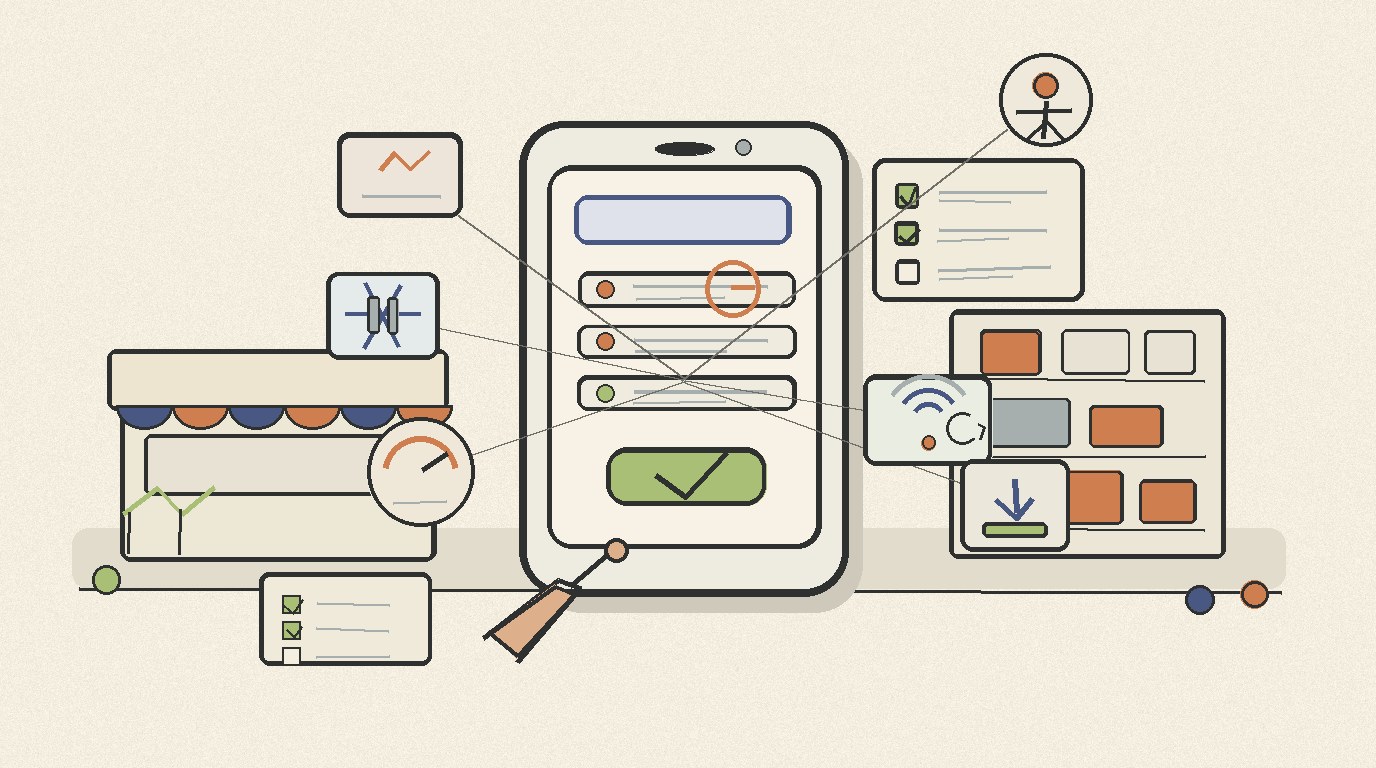

A practical checklist for SMEs and organizations to judge mobile app and PWA reliability before crashes, freezes, weak signal, and confusing screens hurt daily operations.
Reliable apps protect everyday revenue
A business app usually fails at the worst time. A cashier cannot close a sale, a field team cannot upload proof of work, or a clinic admin has to ask patients to wait while the screen reloads.
For owners and operations leaders, reliability should be reviewed before complaints become normal. A mobile app or PWA may look polished in a demo, yet still struggle under real users, weak signal, and daily back office routines.
The practical question is simple. Can the app keep serving customers when the day gets busy, the connection drops, or the device is older than the developer expected?
Start with crash and freeze signals
Android Developers lists quality signals in Android vitals such as crash rate, ANR rate, excessive wakeups, and slow rendering. These are technical terms, but the business meaning is plain. Users notice when an app closes, freezes, drains battery, or feels heavy.
Ask for a reliability dashboard during development and after launch. The report should separate crashes from freezes, show affected devices, and explain whether incidents happen during login, checkout, stock updates, attendance, or report exports.
- Crash rate shows how often the app closes unexpectedly.
- ANR rate shows how often the app becomes unresponsive.
- Slow rendering points to screens that feel laggy during daily use.
- Excessive wakeups can hint at background work that hurts battery life.
These numbers do not replace user feedback. They make feedback easier to verify. When an admin says the POS hangs every afternoon, the team can check whether the issue is device memory, network delay, database load, or a specific screen.
PWA reliability depends on install and offline behavior
A PWA can be a strong choice for UMKM and organizations because it runs through the browser and can still feel like an app. MDN explains that installable PWAs rely on a web app manifest, icons, service worker behavior, and browser installability prompts.
Those details matter because they shape trust. If staff cannot find the app icon, if the app opens to a blank page during poor signal, or if updates arrive at random, the PWA starts to feel fragile.
- Check whether the PWA installs cleanly on common Android devices.
- Open it from the home screen and confirm the first screen loads as expected.
- Test weak signal, airplane mode, and reconnect behavior.
- Confirm what data is safely cached and what must wait for the server.
Offline support should be designed around the job. A catalog may cache product pages. Attendance may need queued submissions. A finance approval screen may need a stricter online check to avoid wrong decisions.
Use accessibility checks as reliability checks
Reliability is also about whether people can complete a task without getting trapped. WCAG 2.2 includes guidance around keyboard and focus behavior, input help, target size, and predictable interactions. These ideas support usability and conversion in everyday business apps.
Small buttons, unclear errors, and moving layouts create the same business outcome as a bug. Staff retry, customers abandon, and managers receive incomplete data.
- Can users see where focus is when moving through a form?
- Are error messages close to the field that needs attention?
- Are tap targets large enough for busy hands and small screens?
- Does the same action behave the same way across pages?
This is especially important for mixed teams. A school admin, warehouse picker, clinic receptionist, and owner may all use the same system in different conditions. The interface must reduce doubt instead of adding supervision work.
Build a simple pre launch reliability checklist
Before launch, test the app with the real devices, roles, and data volume the business will use. A clean demo on a new phone says little about a store counter, warehouse corner, or field visit with poor coverage.
Keep the checklist short enough that it will actually be repeated after updates. The goal is to catch the failures that hurt sales, service, and reporting first.
- Run the top five user flows on older and newer devices.
- Test login, save, search, upload, and export under weak signal.
- Measure crash, freeze, and slow screen patterns after pilot use.
- Confirm backup, rollback, and support response steps.
- Assign one owner for reliability review after every release.
If the app supports POS, inventory, attendance, payroll, bookings, or approvals, add one stress scenario. Try the busiest hour, the largest stock list, the slowest branch connection, or the most common mistake made by staff.
A better vendor conversation
The right question is not whether an app will ever fail. Every system can fail. The stronger question is whether failures are measured, narrowed, fixed, and explained before they damage customer trust.
When comparing mobile app, hybrid app, or PWA proposals, ask how the team handles crash monitoring, release testing, offline behavior, accessibility review, support handover, and post launch maintenance.
Sundie helps businesses design and maintain practical software across websites, dashboards, inventory, POS, attendance, payroll, workflows, mobile apps, and PWAs. If reliability is becoming a concern, start with a review of the workflows that carry revenue and service risk.
Sources used
Android Developers, Android vitals, last updated 19 May 2026.
MDN Web Docs, Making PWAs installable, last modified 30 November 2025.
W3C, Web Content Accessibility Guidelines 2.2, published 12 December 2024.