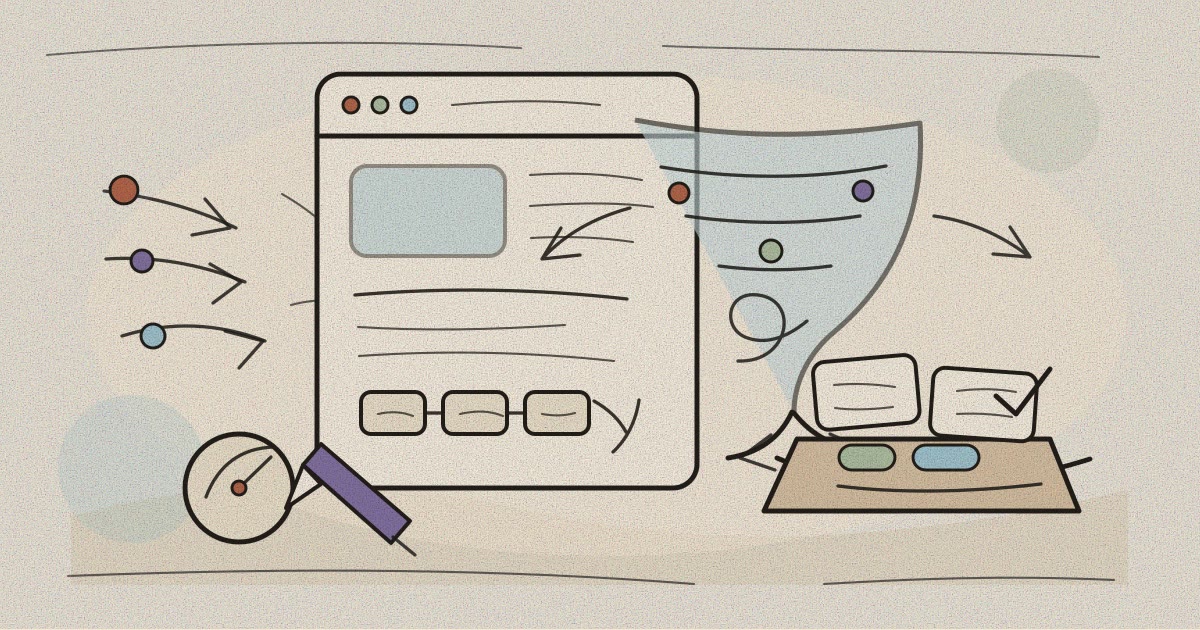

A practical SME guide to reducing inquiry friction, improving website forms, and capturing cleaner follow-up data before increasing ad spend.
Fix the conversion path before buying more traffic
More ad budget can bring more visitors, but it also magnifies every weak point on the website. If the page is unclear, the form is tiring, or follow-up data is messy, paid traffic simply produces a larger pile of half-ready inquiries.
For many SMEs, the smarter first step is a conversion check. Look at what happens between a click, a product or service page, a contact form, and the first response from the team.
This applies beyond ecommerce. Clinics, course providers, contractors, foundations, and professional services all depend on small moments of trust before someone sends an inquiry, books a consultation, or asks for a quotation.
Friction is measurable, not just a feeling
Baymard Institute reports an aggregated documented average online cart abandonment rate of 70.22 percent in its cart abandonment statistics. The number is ecommerce-specific, but the lesson is broader. People drop off when a process feels too long, unclear, risky, or inconvenient.
A service website has its own version of abandonment. A parent opens a course registration page but pauses because schedules are unclear. A patient starts a clinic form but leaves when required fields feel excessive. A procurement officer wants to ask about a project but cannot find the right contact path.
When those moments are not measured, teams may blame low traffic. In reality, the website may already have enough interest to learn from, but the lead path is not helping people finish the next step.
Make the form feel easy to complete
Nielsen Norman Group’s website forms usability guidance highlights practical basics. Use clear labels, place fields in a sensible order, avoid unnecessary questions, explain requirements, and prevent errors before they happen.
For an SME form, that usually means asking only what the team needs for the next follow-up. Name, contact channel, location or branch, inquiry type, and a short message may be enough for the first conversation. Extra qualification can happen later.
Field labels should sound like real business language. Instead of vague labels such as Details, use What would you like to ask about or Preferred service location. If a field is required, explain why when the reason is not obvious.
Mobile matters here. Many leads will come from phones after seeing an ad, map listing, referral message, or social post. The form should be readable, tap-friendly, and forgiving when someone types quickly.
Improve follow-up data, not only form submission
A conversion problem does not end when someone presses submit. If the team receives unclear messages with no category, branch, priority, or source, follow-up becomes slow. That delay can make a warm inquiry feel ignored.
Cleaner data helps the team respond in the right way. A clinic can route appointment questions differently from insurance questions. A course provider can separate trial class requests from corporate training leads. A contractor can distinguish renovation inquiries from maintenance requests.
Good follow-up data also helps owners read demand more honestly. Instead of counting only total leads, they can see which service pages attract serious inquiries, which areas need better explanation, and which channels bring repeatable conversations.
The goal is not to make the form complicated. The goal is to capture enough context so a human follow-up feels fast, relevant, and prepared.
Audit the page before the ad campaign
Before increasing spend, review the page that receives traffic. Does the headline match the ad promise? Is the next step visible above and below the fold? Are trust signals specific enough, such as licenses, portfolio examples, service areas, operating hours, or team credentials?
Then test the form like a customer. Complete it on a phone, use a weak signal if possible, make one small typo, and check what confirmation appears. The best audits often reveal simple fixes that were invisible from the admin dashboard.
Also check the internal handoff. Who receives the inquiry, how quickly is it assigned, what message template is used, and where is the lead recorded after the first reply? A website conversion upgrade should connect visitor experience with team workflow.
A practical checklist for SMEs
Start with five questions. What action should this page encourage? What information does a visitor need before acting? What fields are truly needed today? What errors or doubts stop completion? What data helps the team follow up well?
For clinics, the answer may include service type, preferred branch, and appointment window. For LPK or course providers, it may include program interest and learner level. For contractors, it may include project type, location, and urgency.
Keep the first version simple, then review the results weekly. Look at form starts, submissions, invalid entries, response time, and the quality of conversations. Small improvements compound when every campaign sends visitors through a clearer path.
Sundie can help map that path from landing page to form, CRM handoff, and reporting dashboard. The conversation can begin with a simple question. Where are interested visitors getting stuck before your team can serve them?
Sources
Baymard Institute, 50 Cart Abandonment Rate Statistics 2026, last updated September 22, 2025.
Nielsen Norman Group, Website Forms Usability Top 10 Recommendations, published May 1, 2016 and modified October 24, 2024.